Nobody has ever typed your number in correctly.
Stay connected. Stay Qrious.
- TapNo app to install
- OpensYour page, as it is today
- SavedIn their phone, spelled right
One tap and your details are saved in their phone, spelled right. Your page opens from your card, a QR code, your Instagram bio or the bottom of your emails: anywhere people meet you.
One link. Everywhere you are.
In your Instagram bio. Under every email. On a card in your wallet. On a QR code at your stand. Each one opens the same page, and when you change something on it, it changes everywhere at once. Nothing to reprint.
In your Instagram bio
qrious.ae/p/your-name
Under every email
qrious.ae/p/your-name
On a card in your wallet
Tap it on any phone
On a QR code at your stand
Scan it from across the table
qrious.ae/p/your-name
All four open the same page: yours.
Your page is ready in minutes.
Free to start. We never ask for payment details to begin.
They tap once, and you're on their phone.
Photo, name spelled right, a number that actually dials. Not a screenshot of a card they will never open again.
And you get theirs back.
Your page can ask for their name and number in return. They arrive in your contacts, with the event you met them at if you started one. No more wondering, three weeks later, which conference that was.On Professional, not on sale yet
An illustration: the people and figures are made up.
Find out what happened after.
See how many people opened your page, what they tapped, how many saved you, and whether they came from your card or your QR code. So you know which event was worth going to.On Professional, not on sale yet
See it work on your own phone.
Make your page, then tap your own card or scan your own code.
They meet you, not a cookie banner.
Ten ways to look like yourself.
Pick the one that suits what you do. Your logo on every plan, your own colour on Professional, coming soon. Change it whenever you like. Your link stays the same.
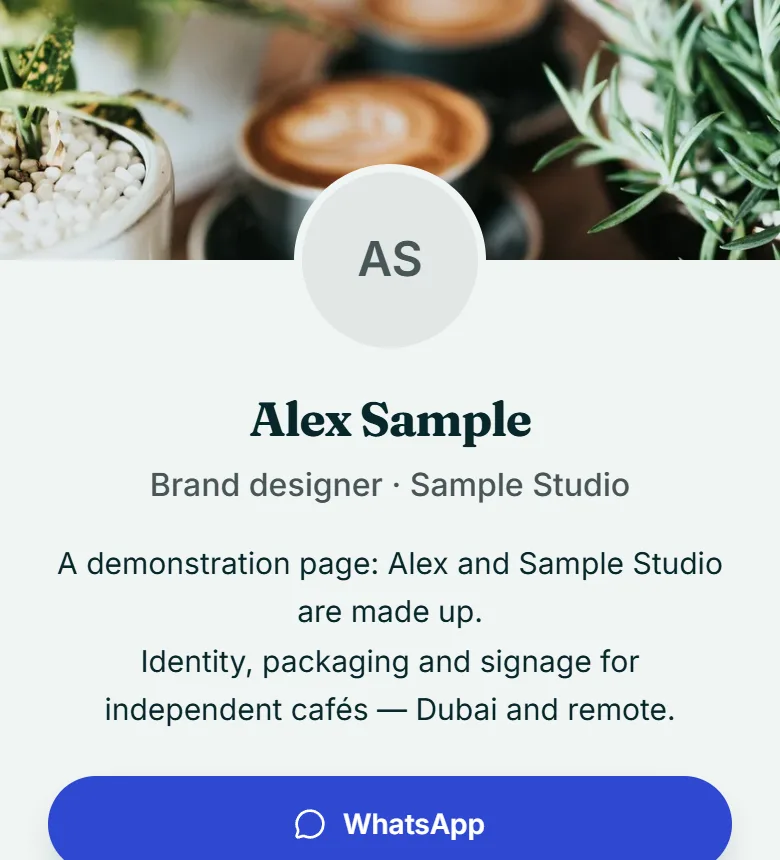
- Card & CoverA banner across the top, your face over it.Open Card & Cover full size
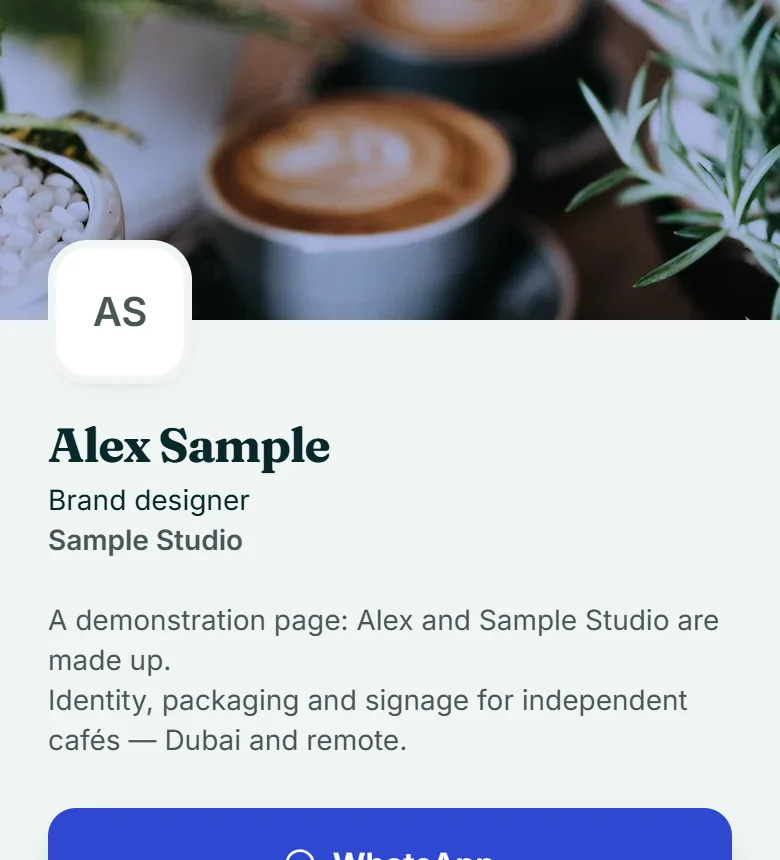
- LetterpressA slim brand band. Reads like a printed card.Open Letterpress full size
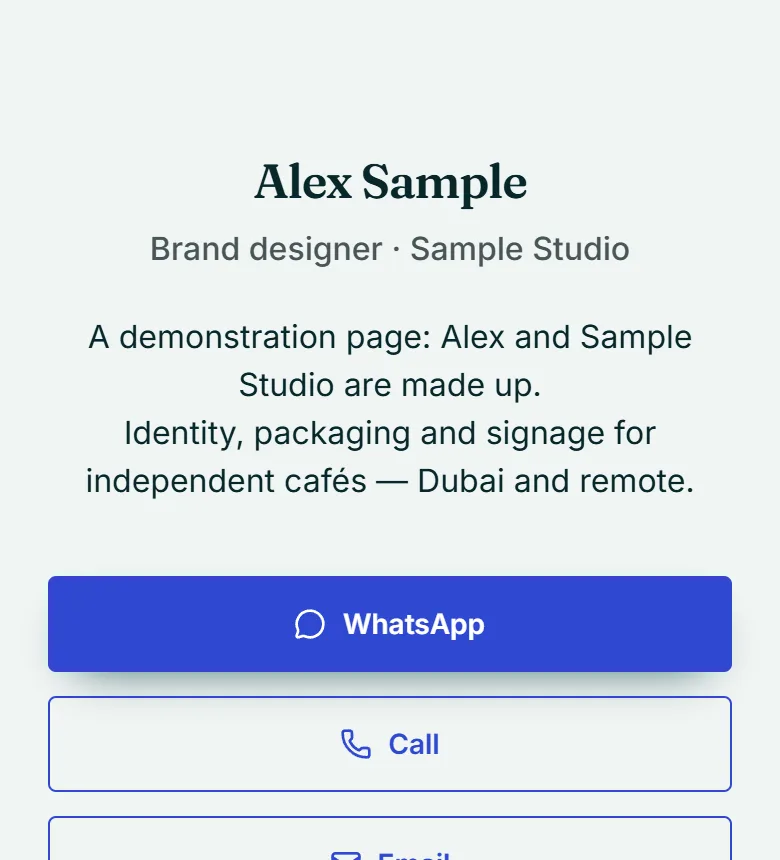
- QuietNothing but your name, your words and your links.Open Quiet full size
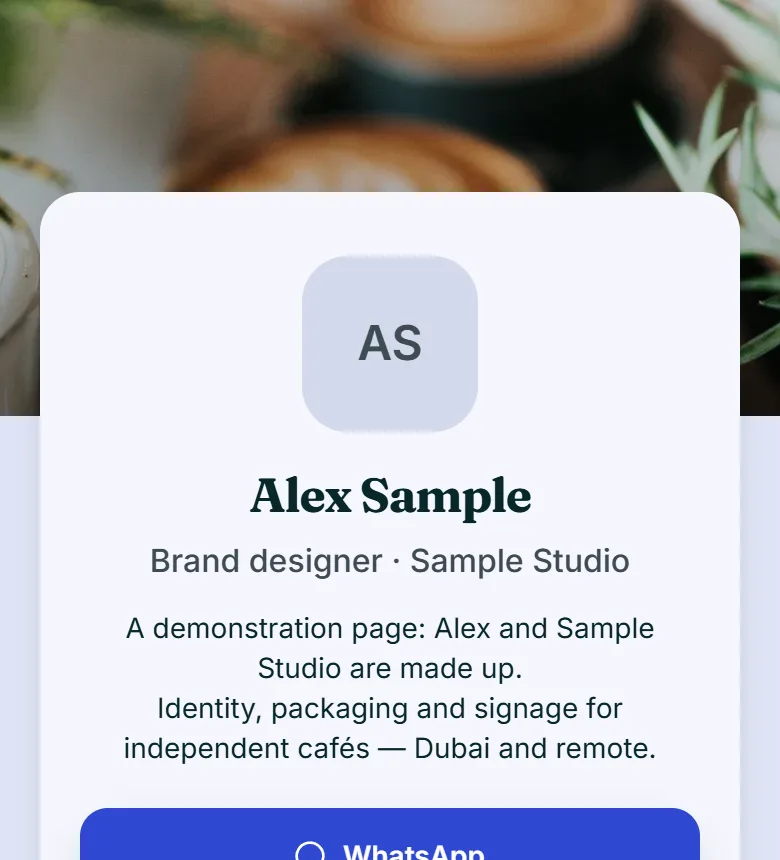
- FloatingYour details on a card, lifted off the background.Open Floating full size
- Full FaceYour photo fills the top of the page.Open Full Face full size
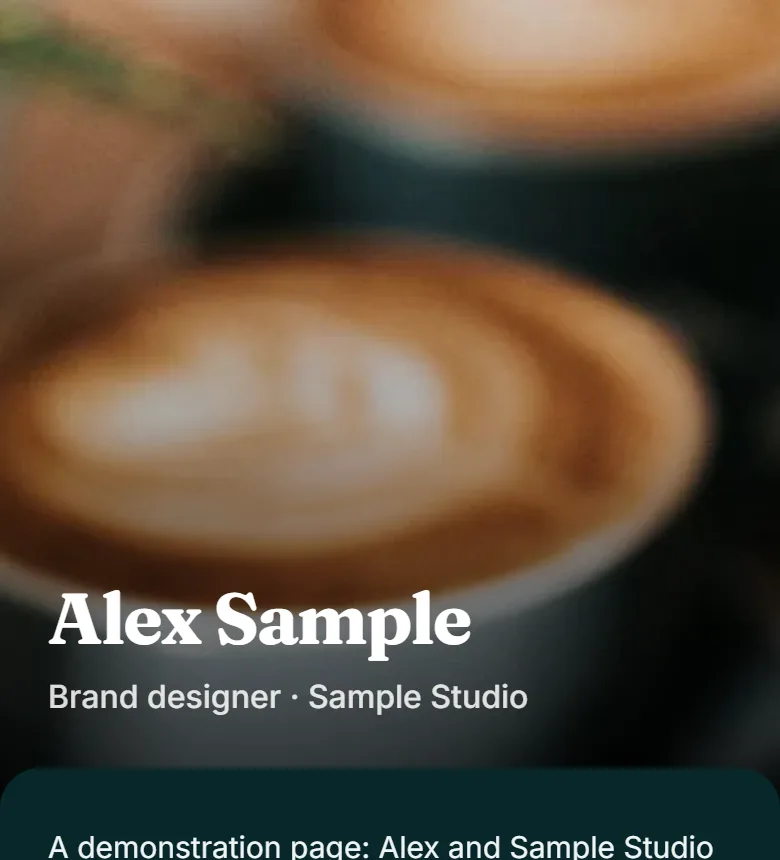
- StatementA block of your colour, and your name across it.Open Statement full size
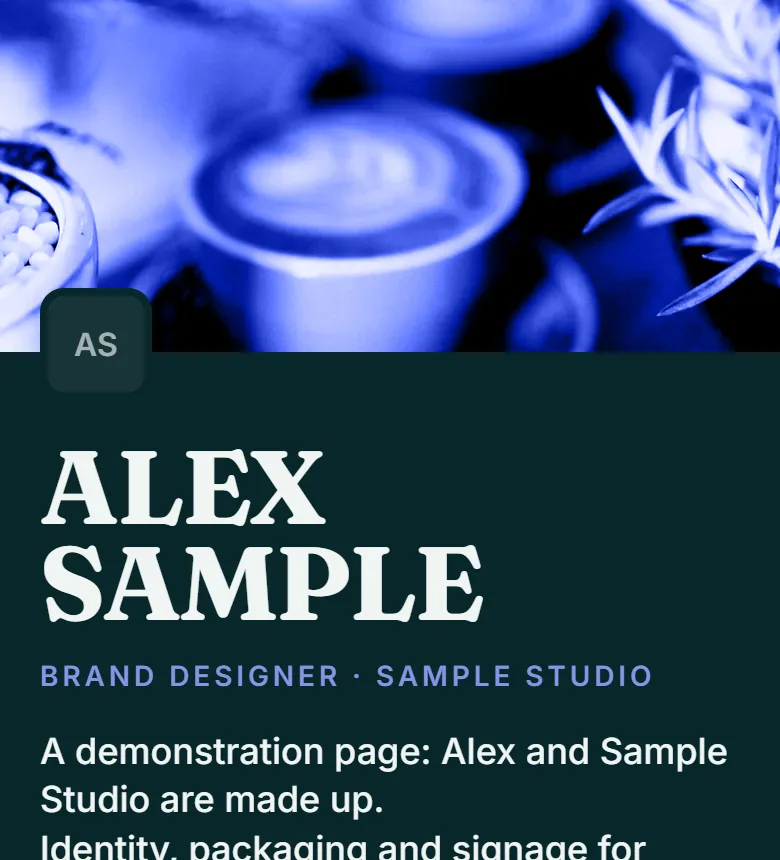
- MeridianYour colour across the top, your details on a sheet over it.Open Meridian full size
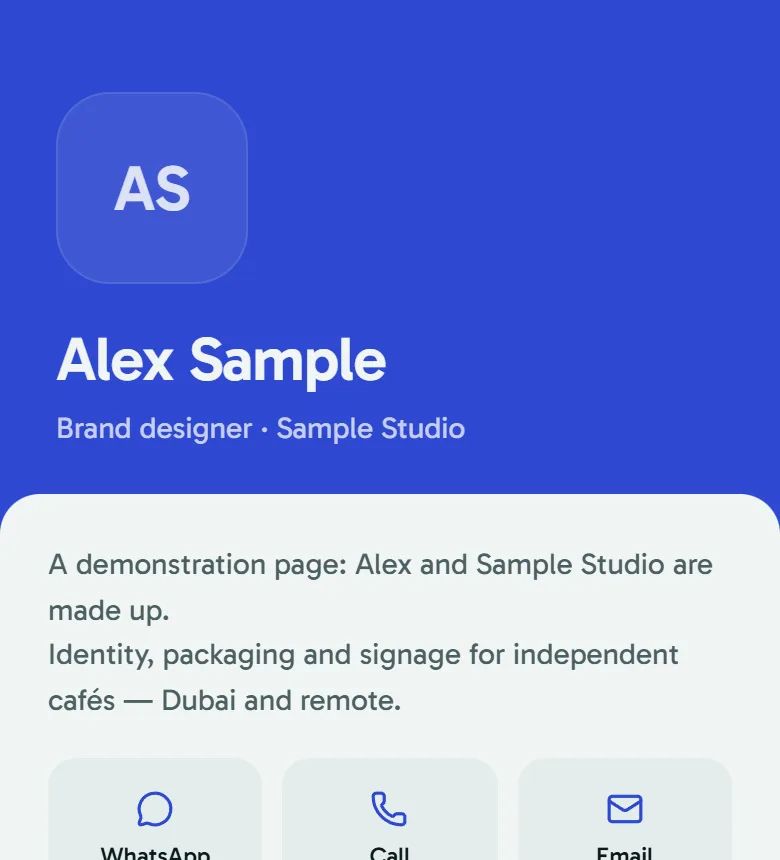
- HairlineWhite, fine rules and a serif name. Reads like a letterhead.Open Hairline full size
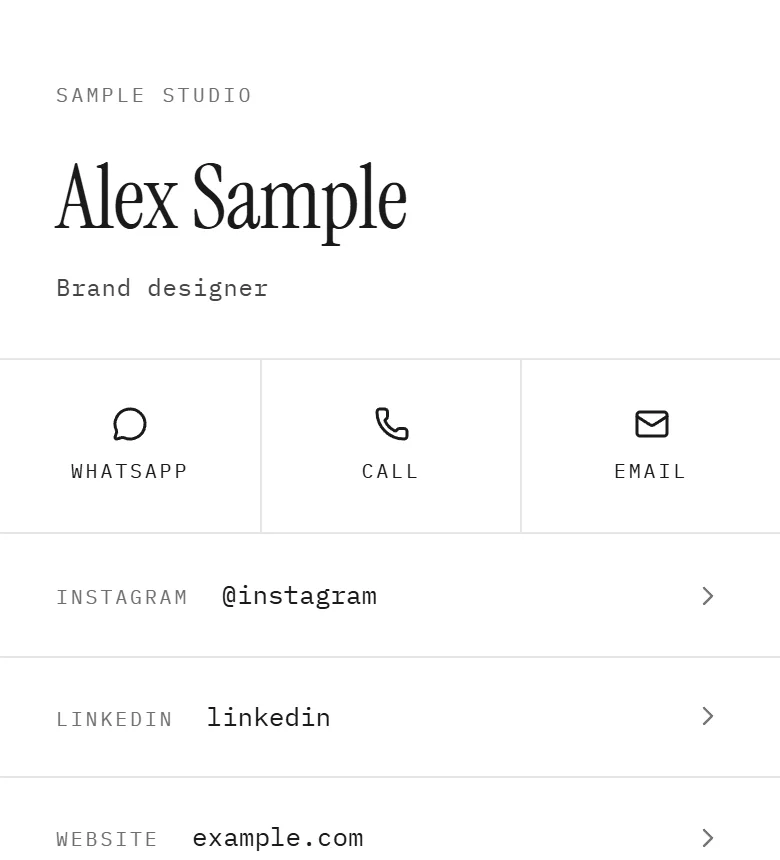
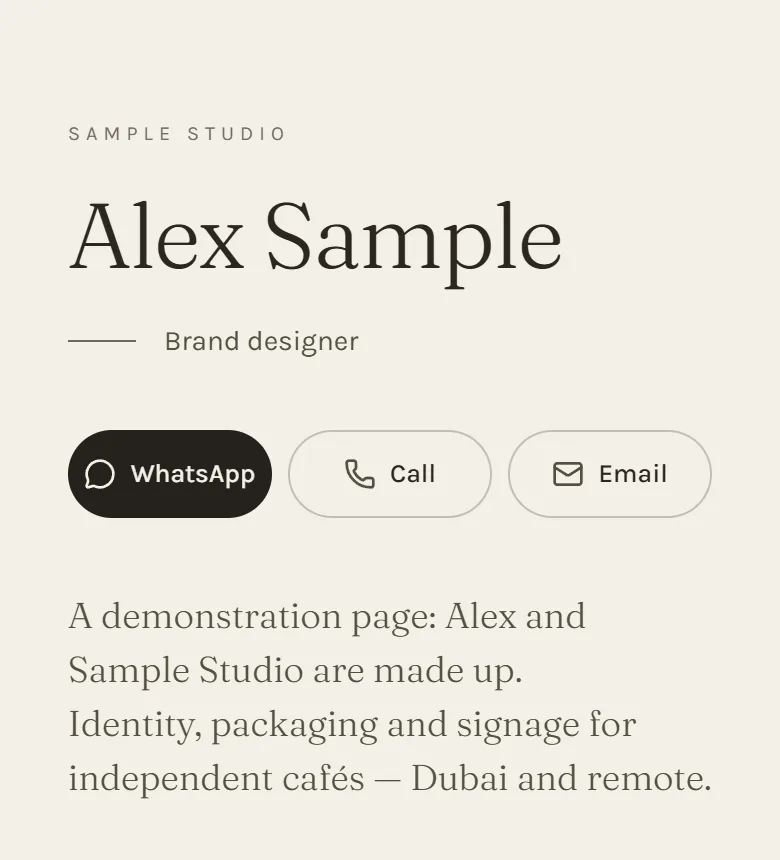
- AtelierWarm paper, a large serif and room to breathe.Open Atelier full size
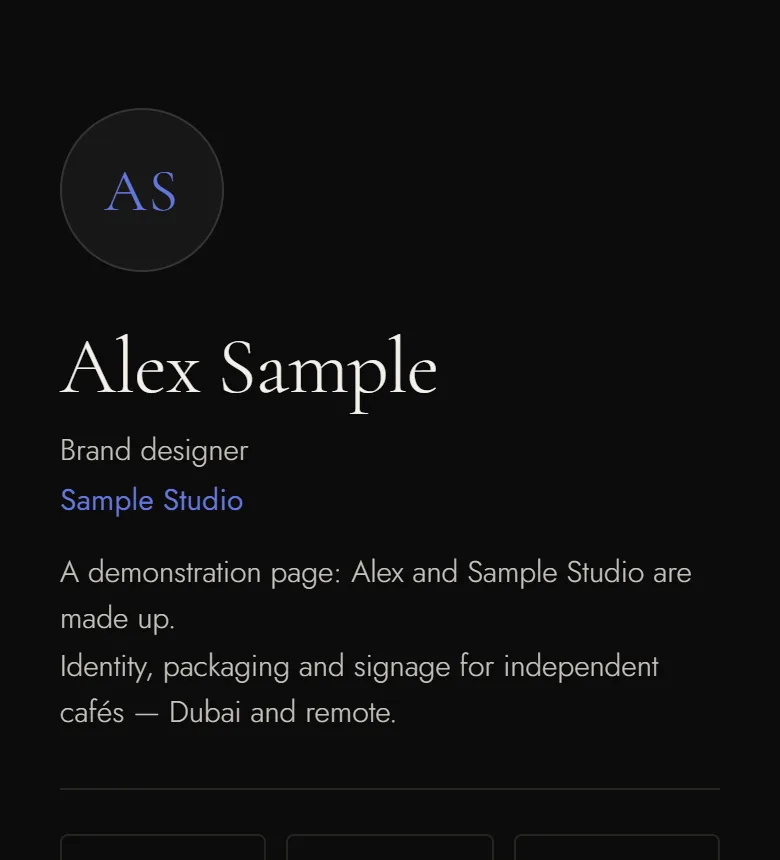
- ObsidianNear-black, thin gold rules, a quiet serif.Open Obsidian full size
What it costs.
Start free and stay there as long as it does what you need.
The paid plans open soon. Personal stays free, for as long as you like.
See what each plan includesPersonal
Your page, yours to keep.
AED 0 for as long as you like
Professional
Work your contacts.
AED 15 a month
Not on sale yetBusiness
One company, one look, kept right centrally.
Priced for your company
The obvious questions.
What is Qrious?
Do I need the card?
What happens if I change my page after printing?
Does the person tapping need an app?
Can I change my link later?
What happens to the people who visit my page?
Do I need to give payment details for Personal?
It takes about four minutes.
Free for as long as you want. Order a card when you are ready.