Templates
A template decides how your page is arranged. Your colour, font, corners and buttons sit on top of whichever you choose, and you can switch any time. Every one below shows the same example page, so the only difference is the layout. Open one to see it full size, the way a visitor does.
One person, every layout.
The same details each time. The only thing that changes is the layout.
- Card & CoverOn PersonalA banner across the top, your face over it. Cover as a banner across the top, your logo in a notch at its corner.Open Card & Cover full size
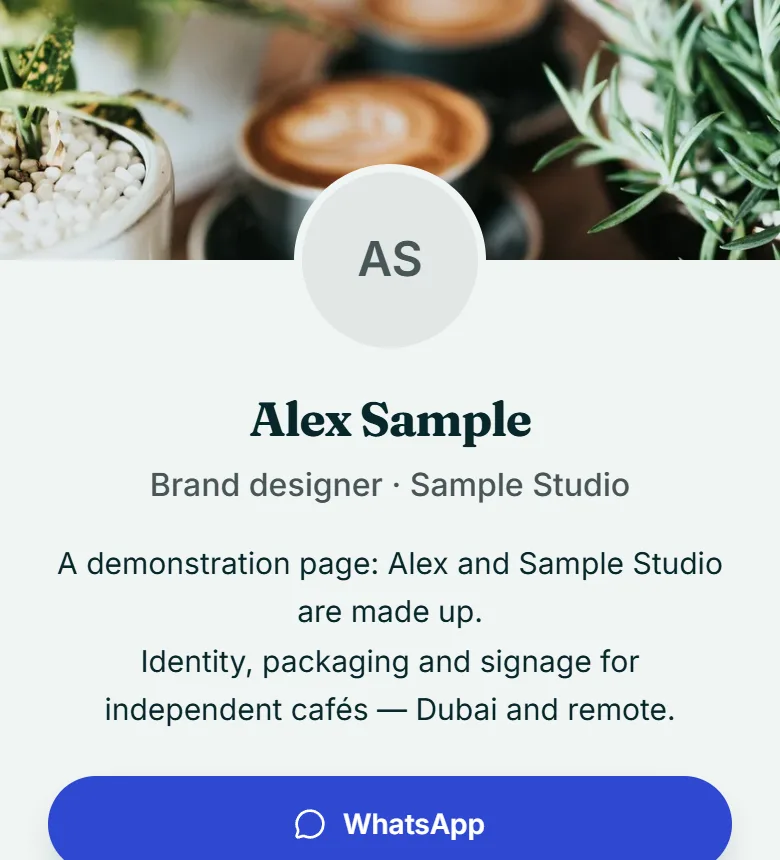
- LetterpressOn PersonalA slim brand band. Reads like a printed card. Cover as a slim brand band, your logo in a notch at its corner.Open Letterpress full size
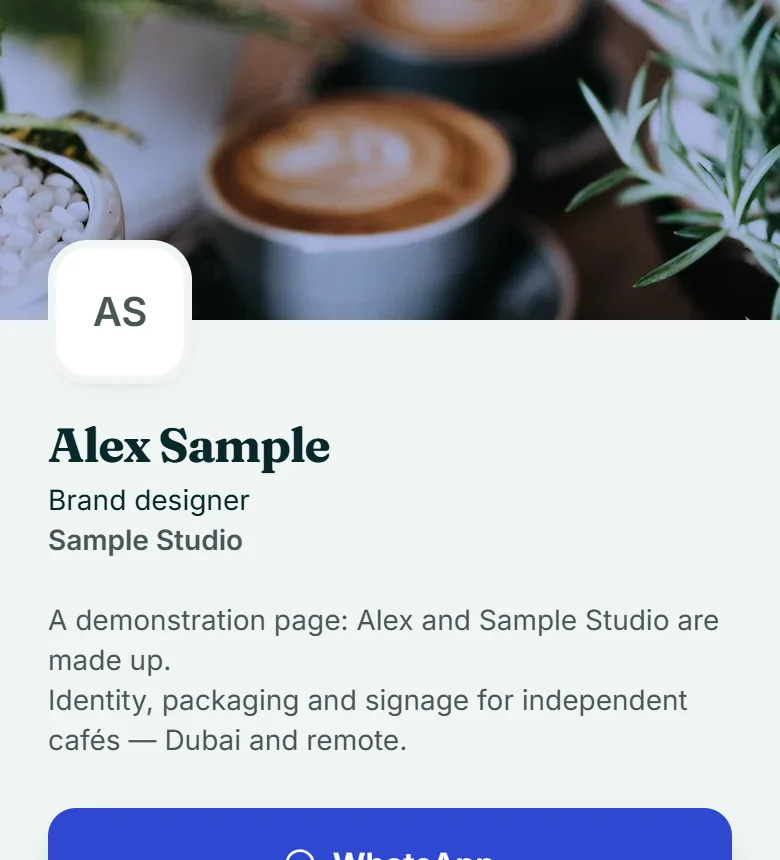
- QuietOn PersonalNothing but your name, your words and your links. No cover image — by design.Open Quiet full size
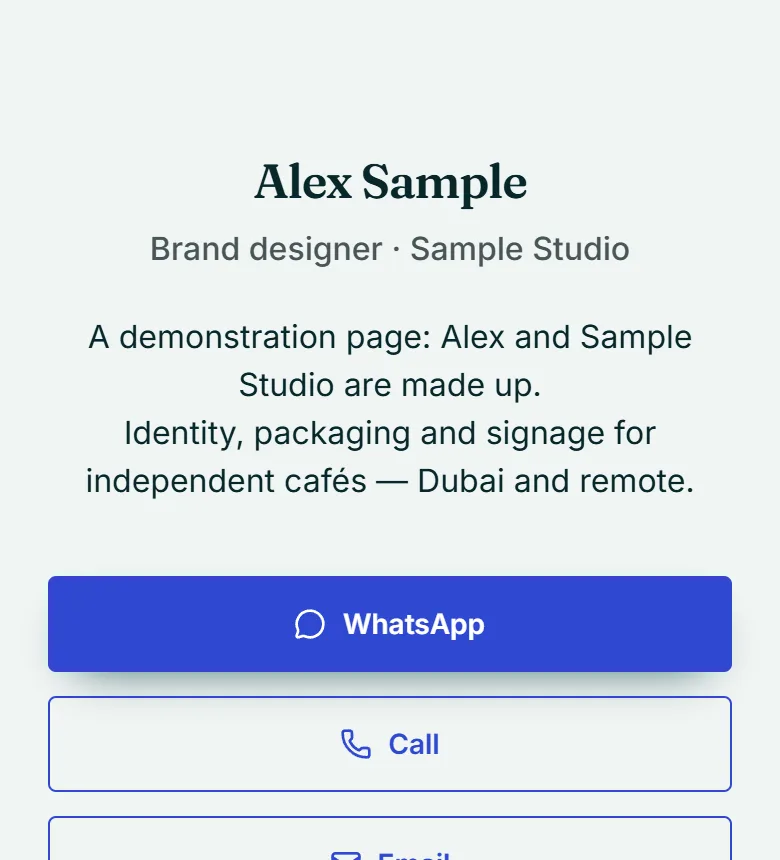
- FloatingOn PersonalYour details on a card, lifted off the background. Cover behind a floating card.Open Floating full size
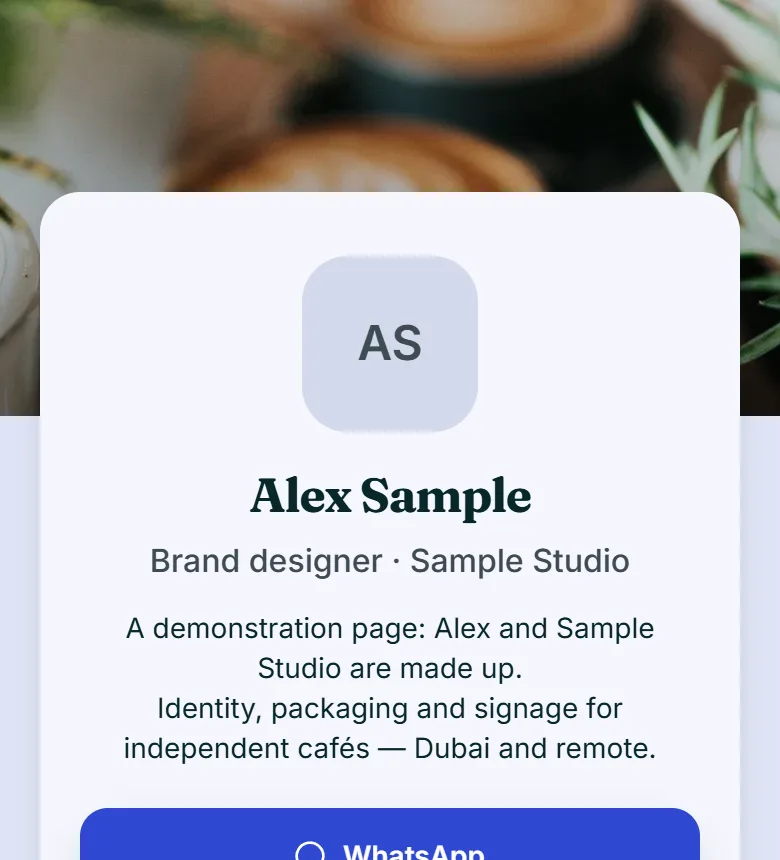
- Full FaceOn PersonalYour photo fills the top of the page. Everything else sits on a sheet below it.Open Full Face full size
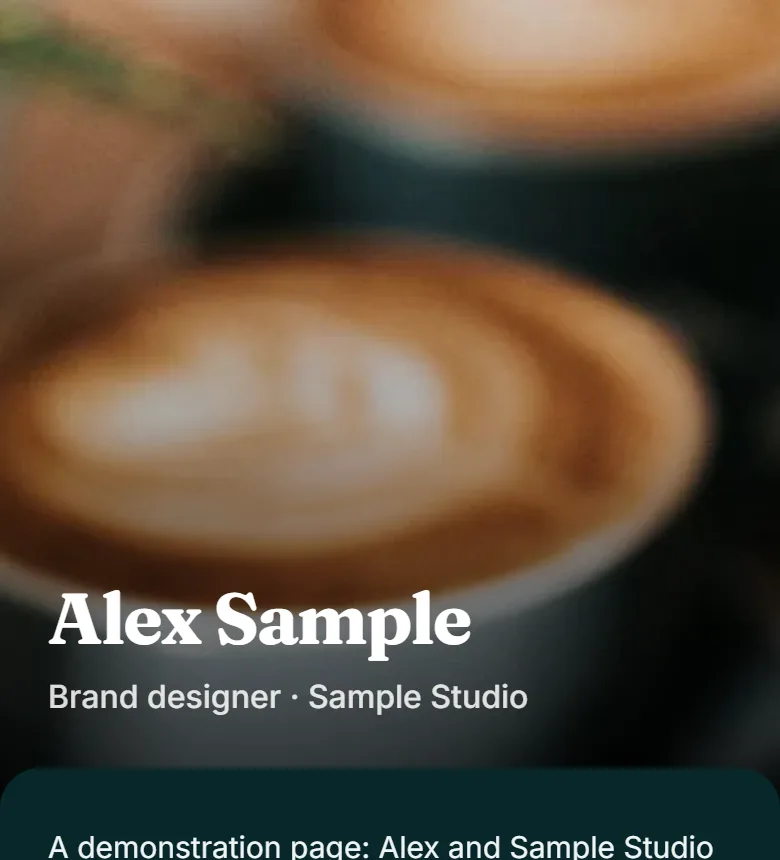
- StatementOn PersonalA block of your colour, and your name across it. Cover as a colour block in your brand colour, your logo in a notch at its corner.Open Statement full size
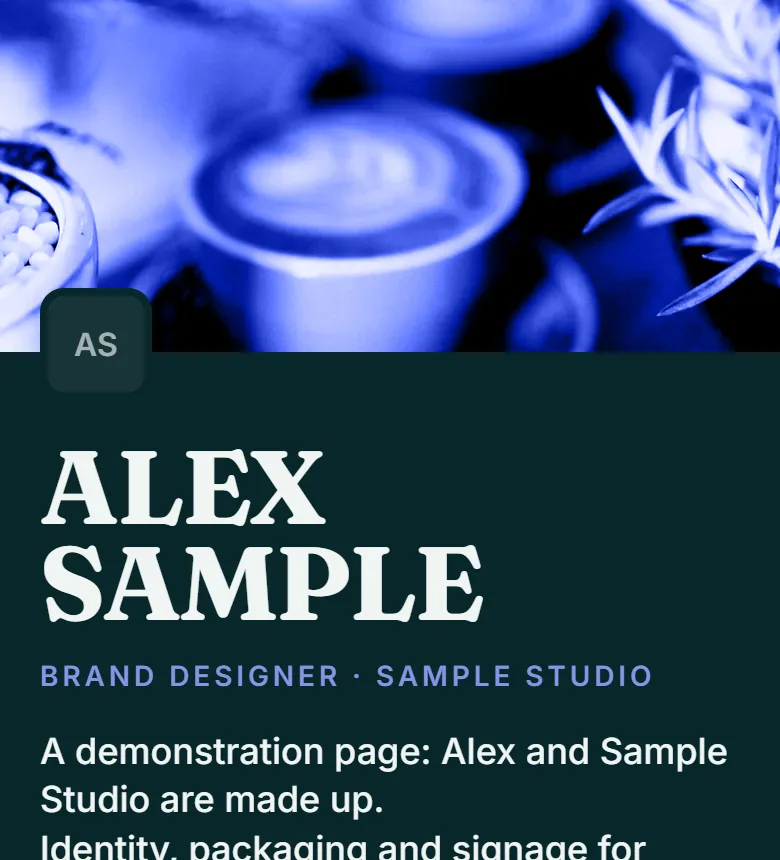
- MeridianOn PersonalYour colour across the top, your details on a sheet over it. No cover image — your colour is the band across the top.Open Meridian full size
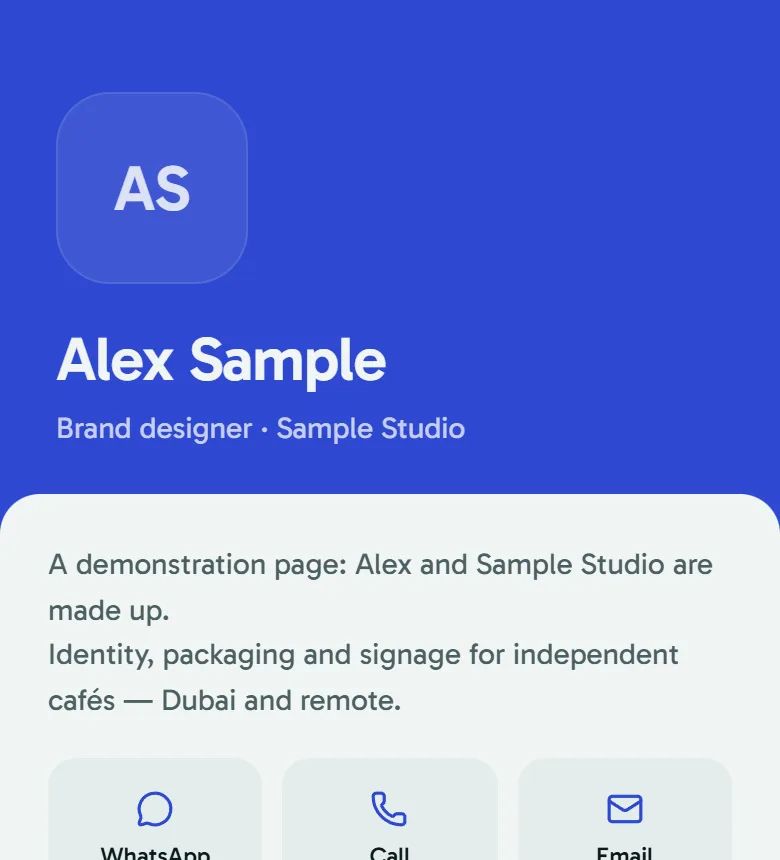
- HairlineOn PersonalWhite, fine rules and a serif name. Reads like a letterhead. No cover image — by design.Open Hairline full size
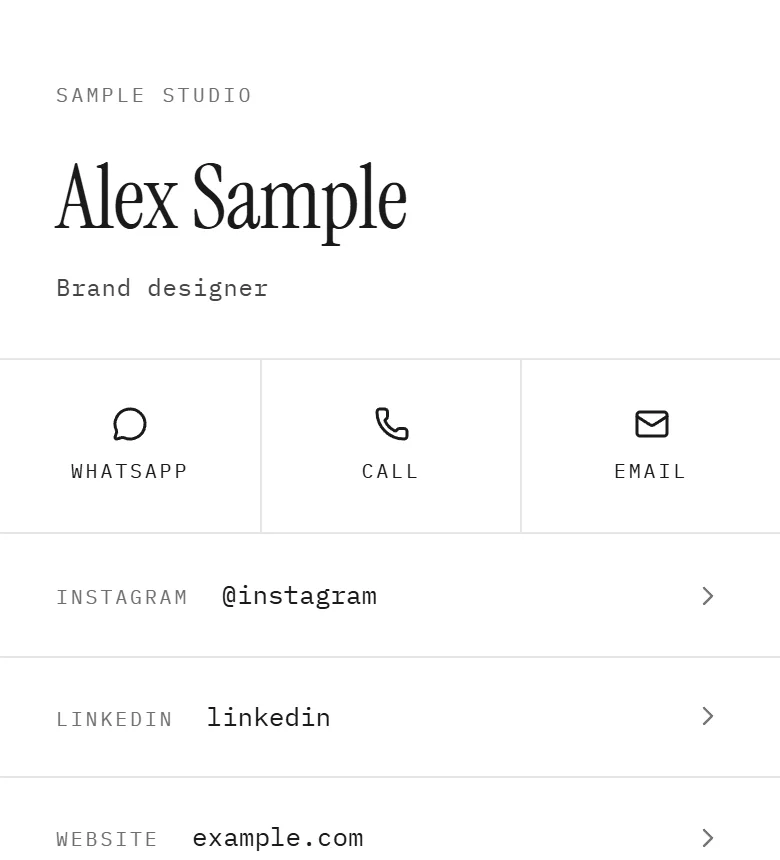
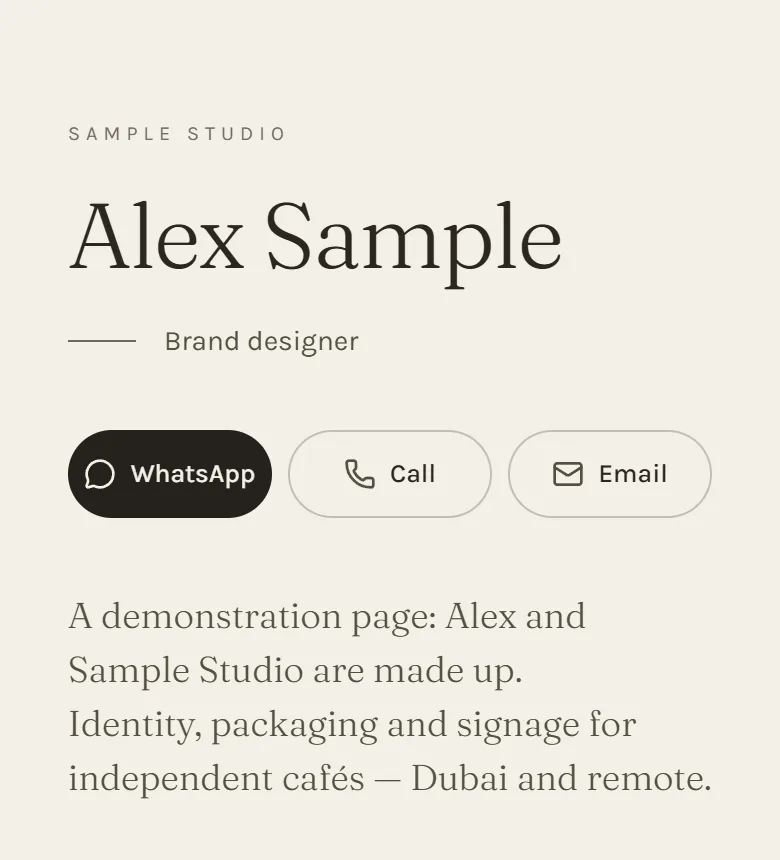
- AtelierOn PersonalWarm paper, a large serif and room to breathe. No cover image — by design.Open Atelier full size
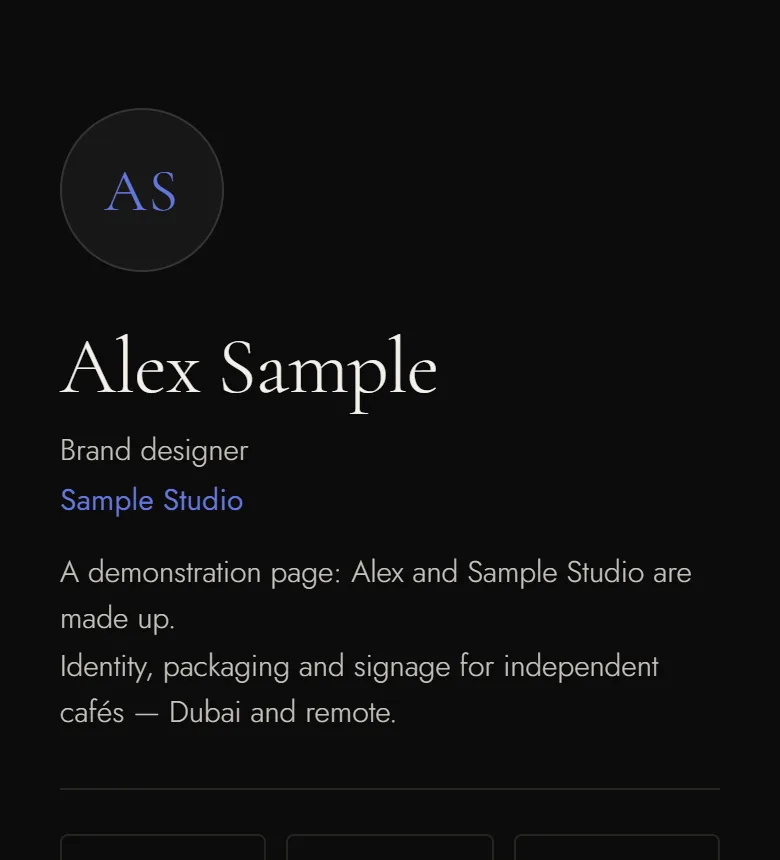
- ObsidianOn PersonalNear-black, thin gold rules, a quiet serif. No cover image — by design.Open Obsidian full size
Every tile opens the example page full size, the way a visitor sees it.
Create your page